Kligers Custom IT Solutions

Software for small and mid-sized businesses

Clear communication. Software that works.

If your business runs on spreadsheets, email and the one person who knows where everything is, we can turn that into a simple system your whole team can rely on.

Two experienced IT professionals. Honest timelines, regular updates and no micromanaging, for startups and large companies alike.

Where we help

Sound familiar?

Six situations we hear about often, and what they look like once we’ve helped.

  • Orders get retyped from email into a spreadsheet Orders land in one place, once

    Simple internal tools take over the copying, chasing and checking, so your people can get on with the work that matters.

  • Partners email you for files, and nobody is sure which version they have Partners sign in and find the right file themselves

    Company sign-in, clear permissions and a record of who saw what, so security and compliance reviews are straightforward.

  • Month-end figures take a week to pull together from three places A report that’s ready on the 1st

    We connect and tidy the data you already have, then show it in reports and dashboards that people actually use.

  • Every update feels risky, so changes wait for months Small, tested updates with an easy way back

    Reliable hosting and a steady routine for updates, so a change that misbehaves can be rolled back quickly.

  • Only one person knows how the old system works A system anyone on the team can use

    We look at what you inherited, steady the fragile parts and replace what needs replacing, without stopping the business.

  • The new system is live, but who looks after it now? The same two people keep it running and improving

    After launch we keep an eye on it, fix issues quickly and add improvements as your business grows.

The team

Two senior people with 20+ years in IT each, working 100% remotely. The people you talk to are the people who build it, and you choose how we work together: fixed scope, time & materials, or a retainer.

Eugene Kliger

Eugene Kliger, MSc

20+ years in IT · 3+ years leading teams

Hands-on engineer and team lead in startups and corporates. Takes a system from the first plan through build and launch, and keeps it running afterwards.

Full stack · Cloud · AI · Team lead

linkedin.com/in/eukliger
Vitaly Kliger

Vitaly Kliger, MSc

20+ years in IT · technology entrepreneur

Works across startups and global enterprises. Maps how your business really works and makes sure the software matches it, from the first requirements to the day it goes live.

Databases · Analytics · Projects

linkedin.com/in/vkliger

Brothers, and the two people you’ll work with from the first call to long after launch.

Download our joint CV →

What we build

Software for the work your team does every day: what people see on screen, and the systems and data behind it.

Internal tools & portals

Simple apps, partner portals and admin screens that replace spreadsheets, email chains and manual steps.

Self-service portals · dashboards · workflows

Secure access

Company sign-in, the right permissions for each person, and a record of who did what. Built for teams with compliance rules to follow.

SSO · role-based access · audit logs

Data & reporting

We connect the systems you already use and turn the numbers into reports and dashboards people can act on.

Data pipelines · warehouses · BI

Hosting & reliability

Reliable cloud hosting and a steady routine for updates, so going live, and staying live, is predictable.

Containers · Kubernetes · automated releases

Tools we use most

React · TypeScript · Next.js · Angular · Tailwind · Node.js · Java · Spring Boot · Python · PostgreSQL · MySQL · MongoDB · Docker · Kubernetes · AWS · Azure · Google Cloud

Recent work

Systems we designed, built and put into day-to-day use, solving real business problems end to end.

50+ manufacturing partners on one portal
6 languages in SymbolStory
2,500+ installs of our developer plugin

Regulated medtech · OEM partners

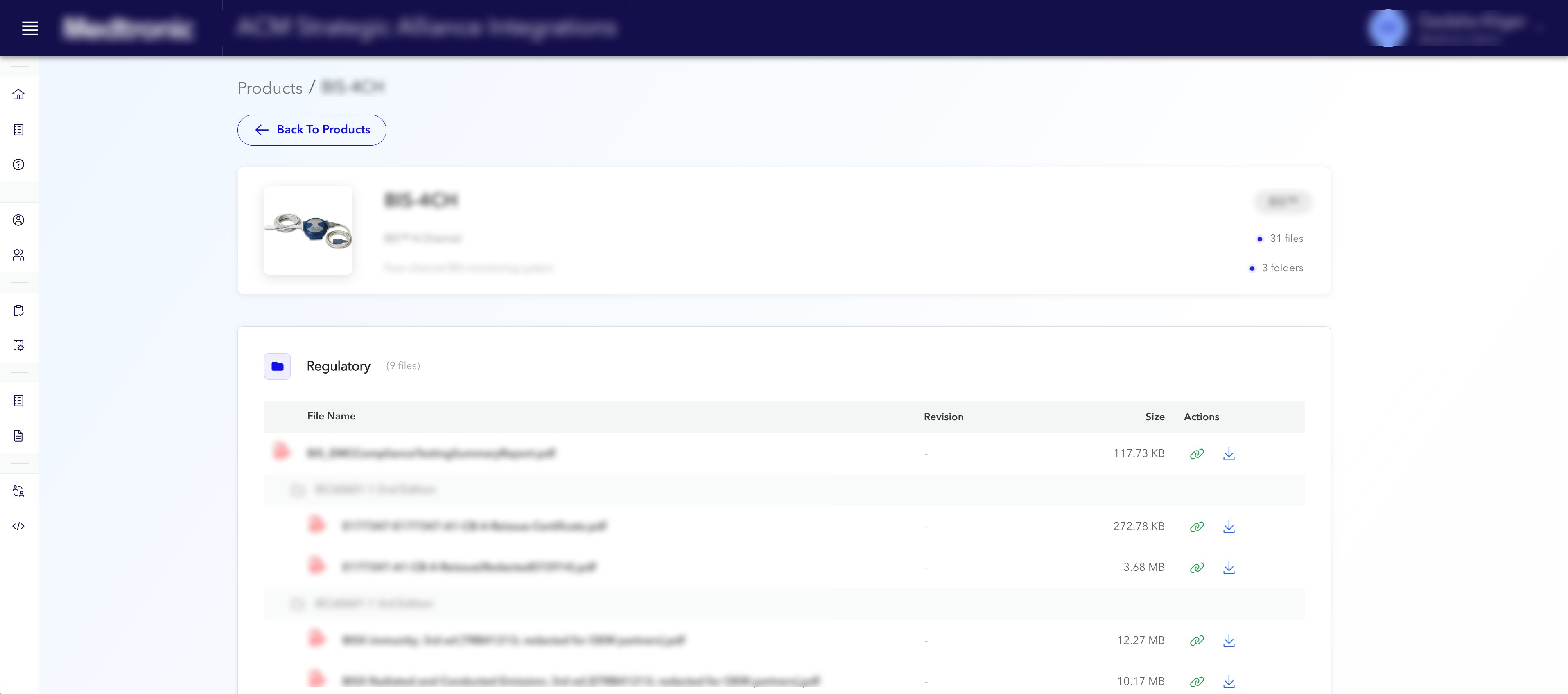
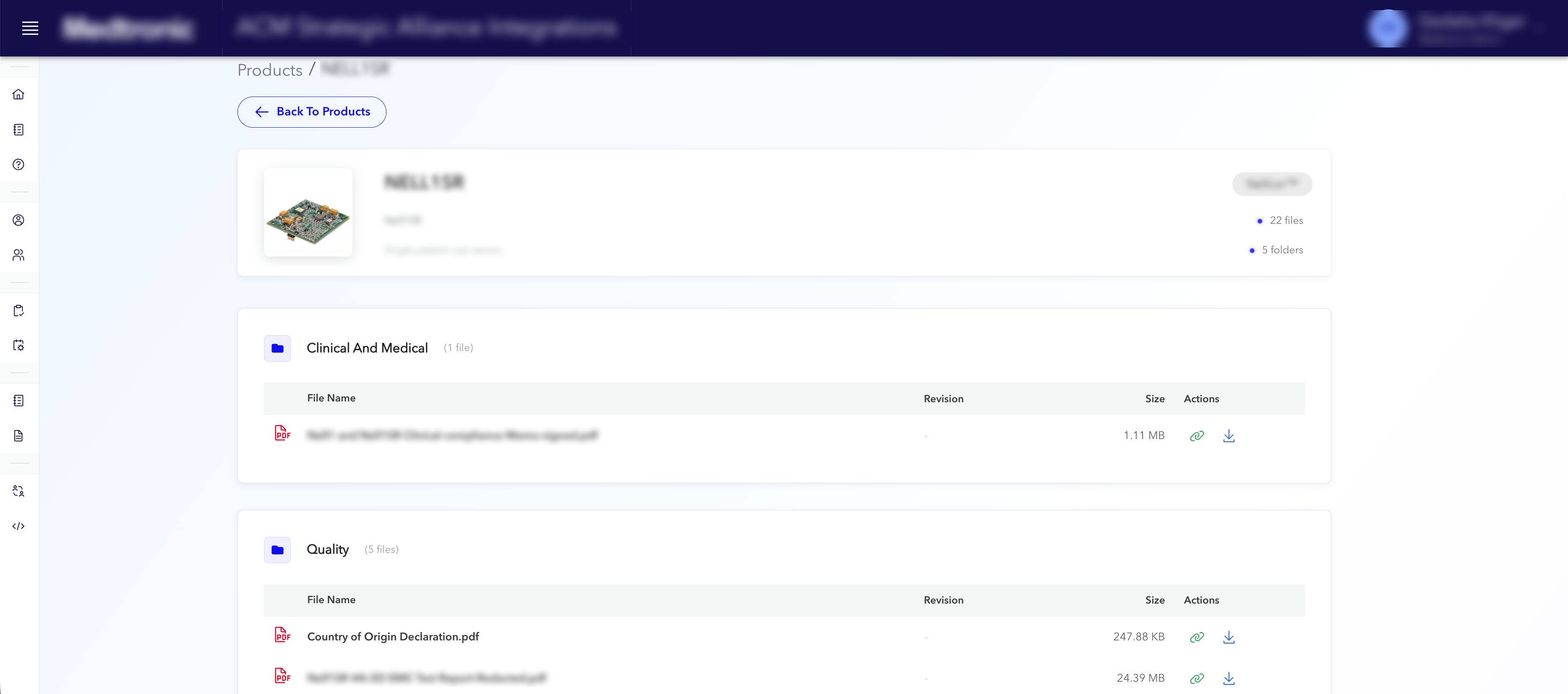
Partner documentation hub & structured requests

Before
Documents and requests scattered across email threads and shared folders.
After
One secure portal with company sign-in and a record of who saw what.

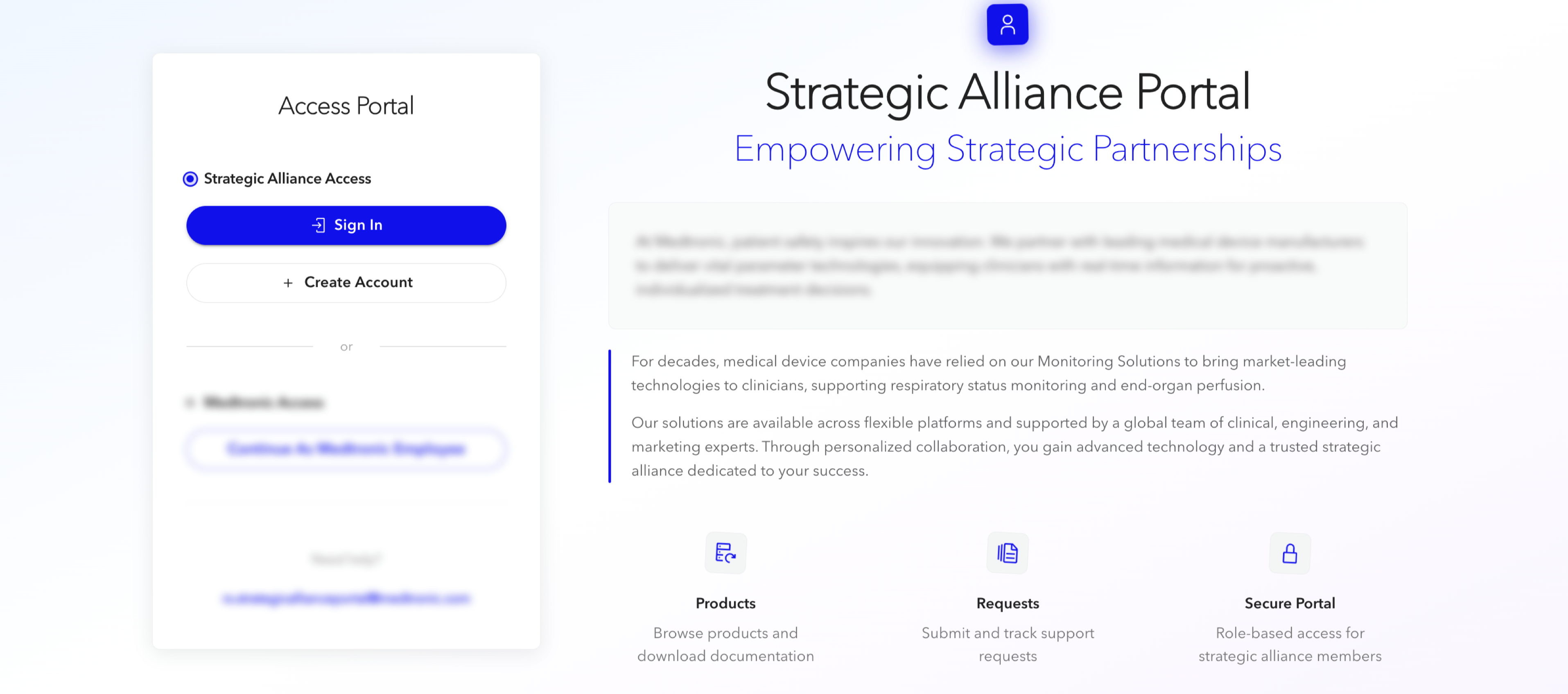
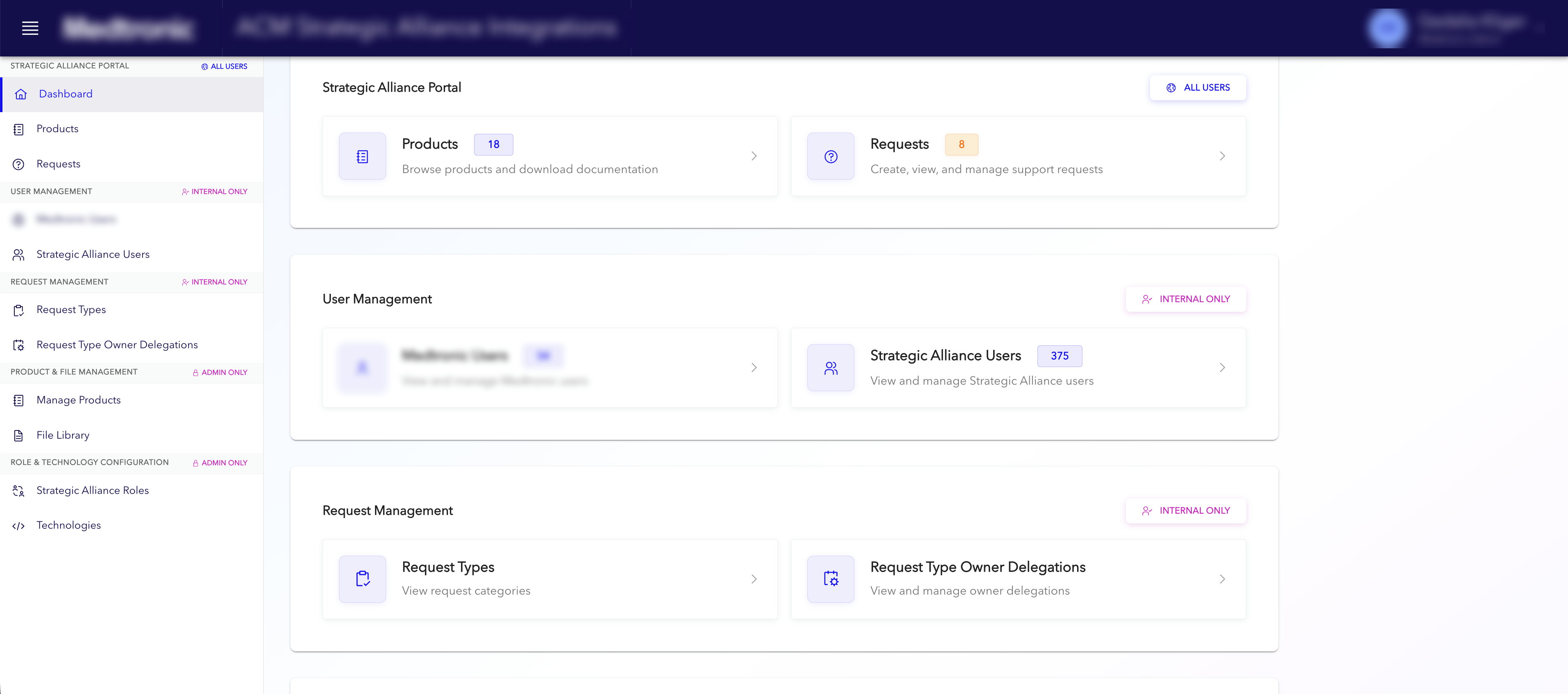
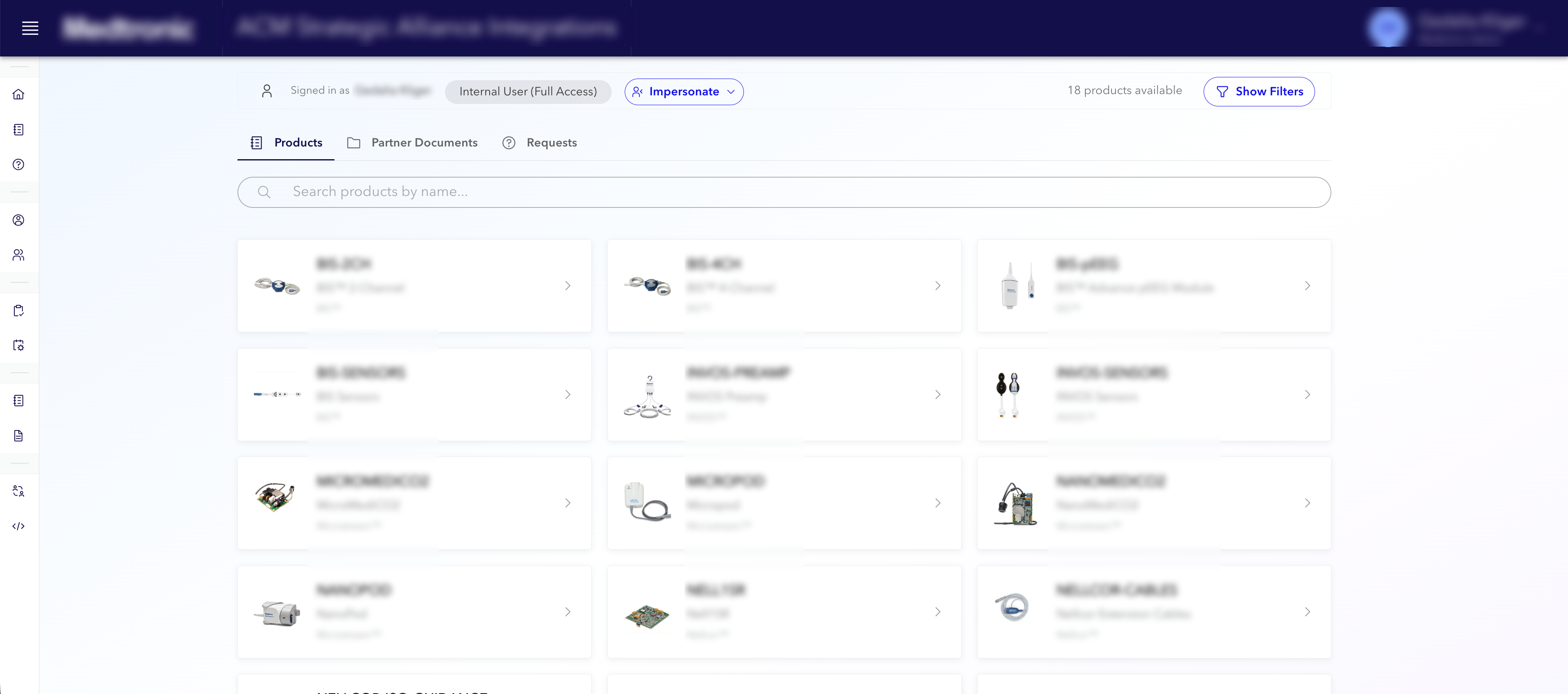
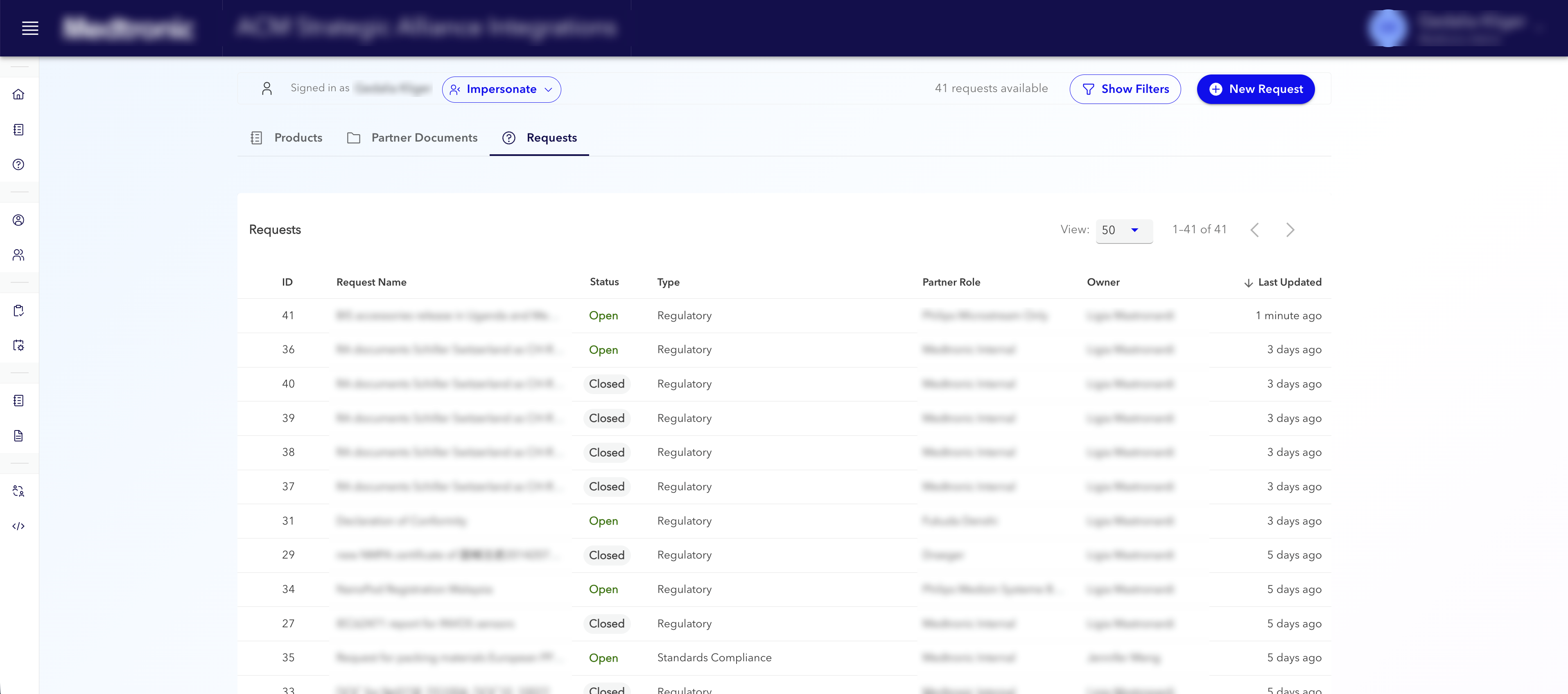
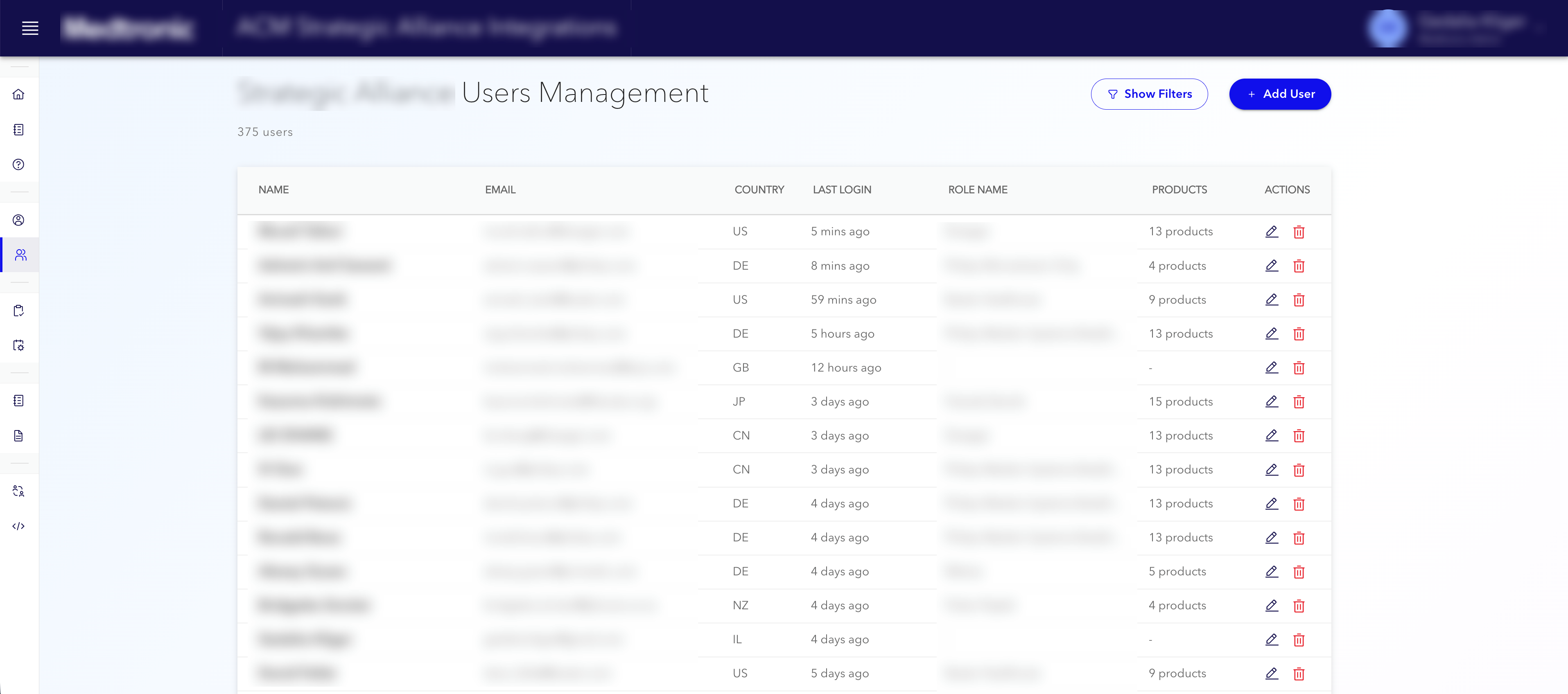
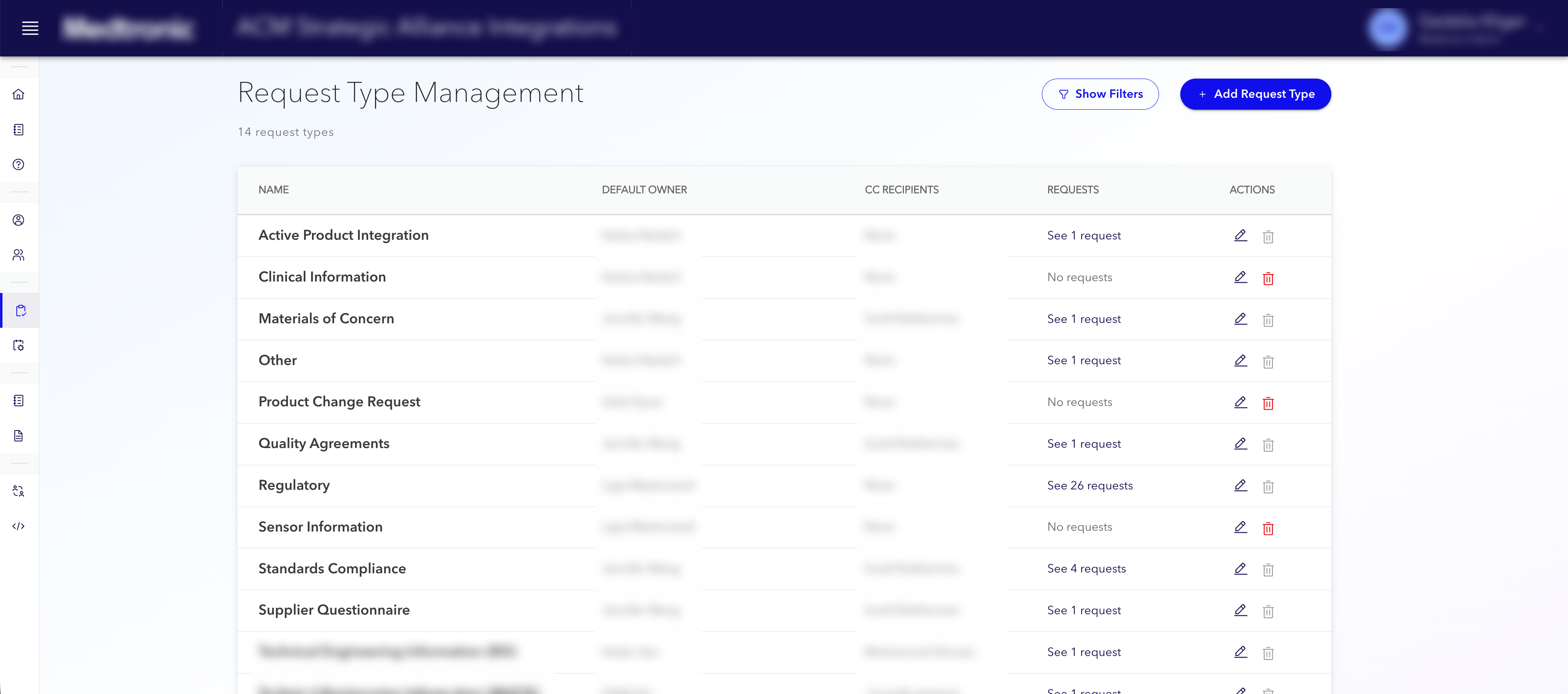
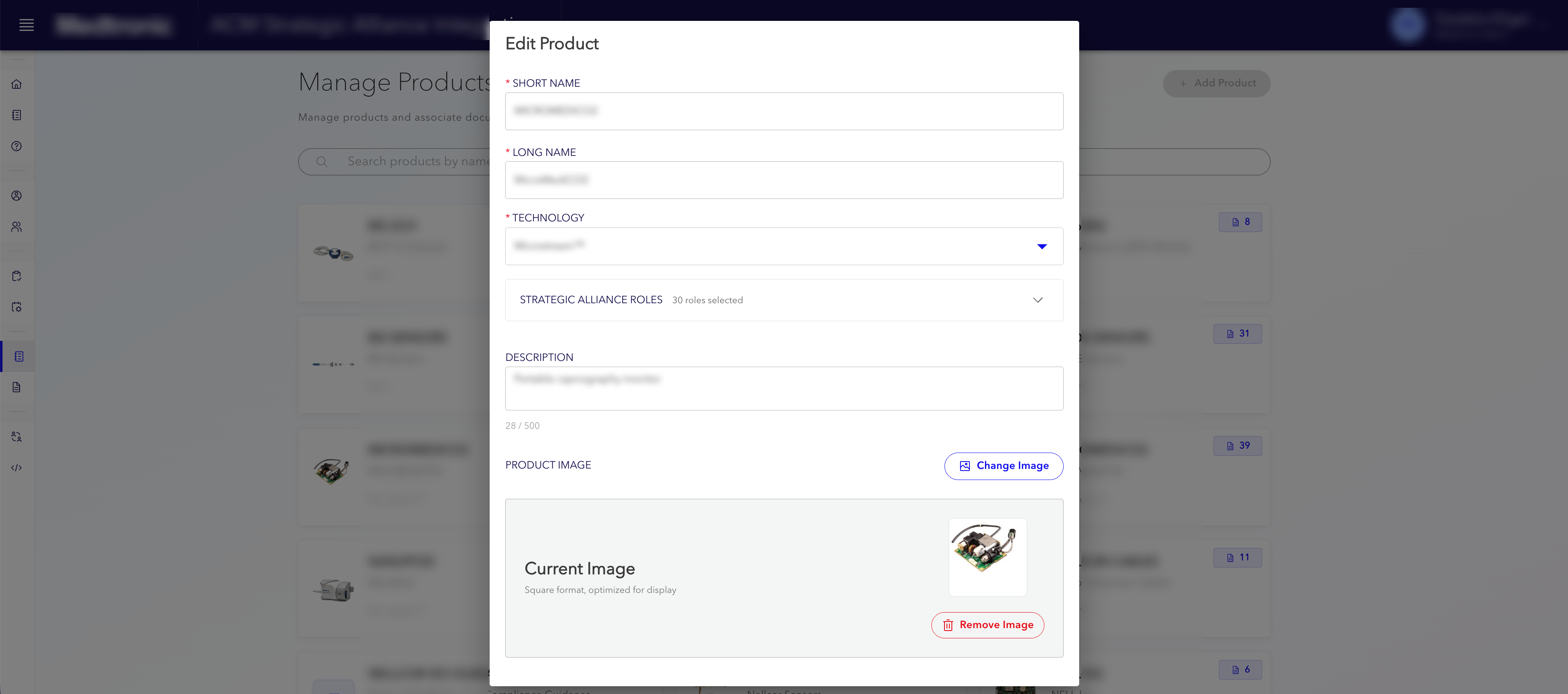
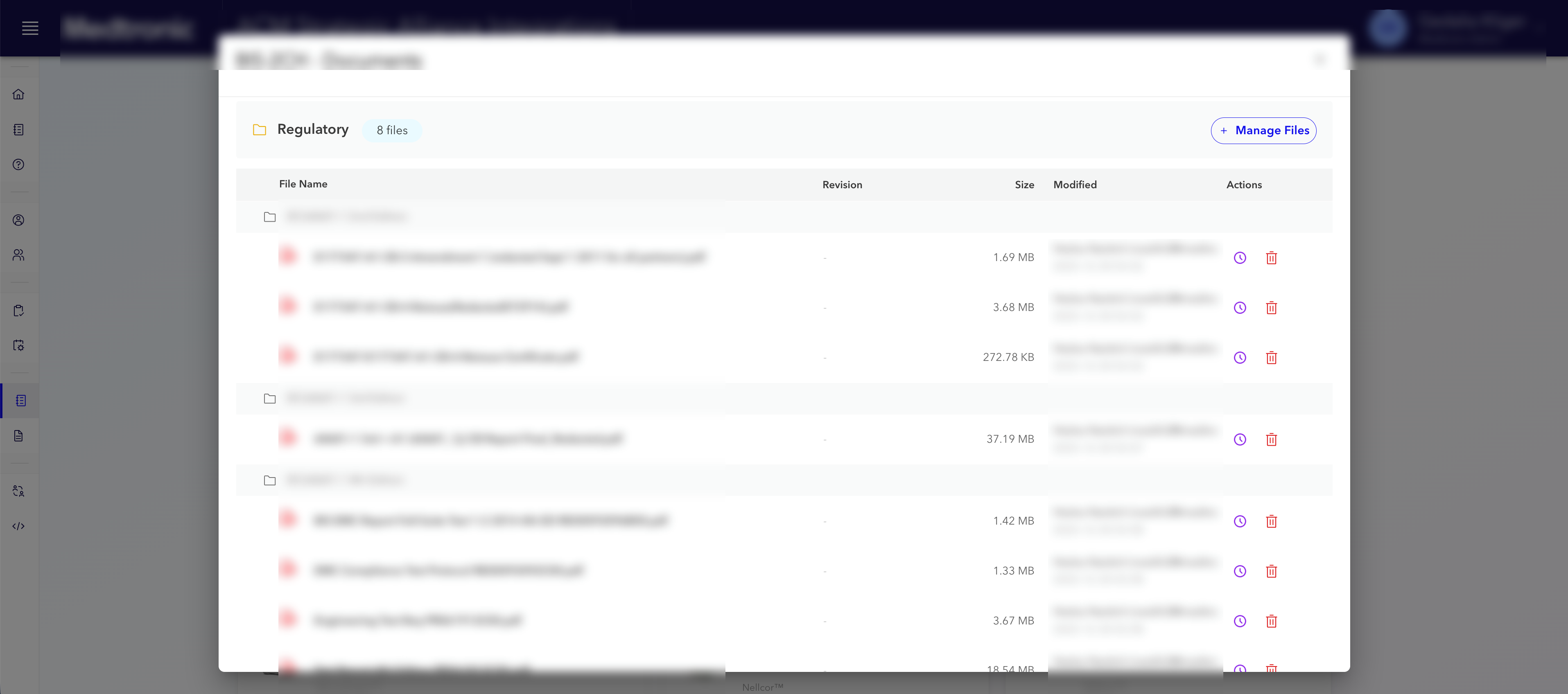
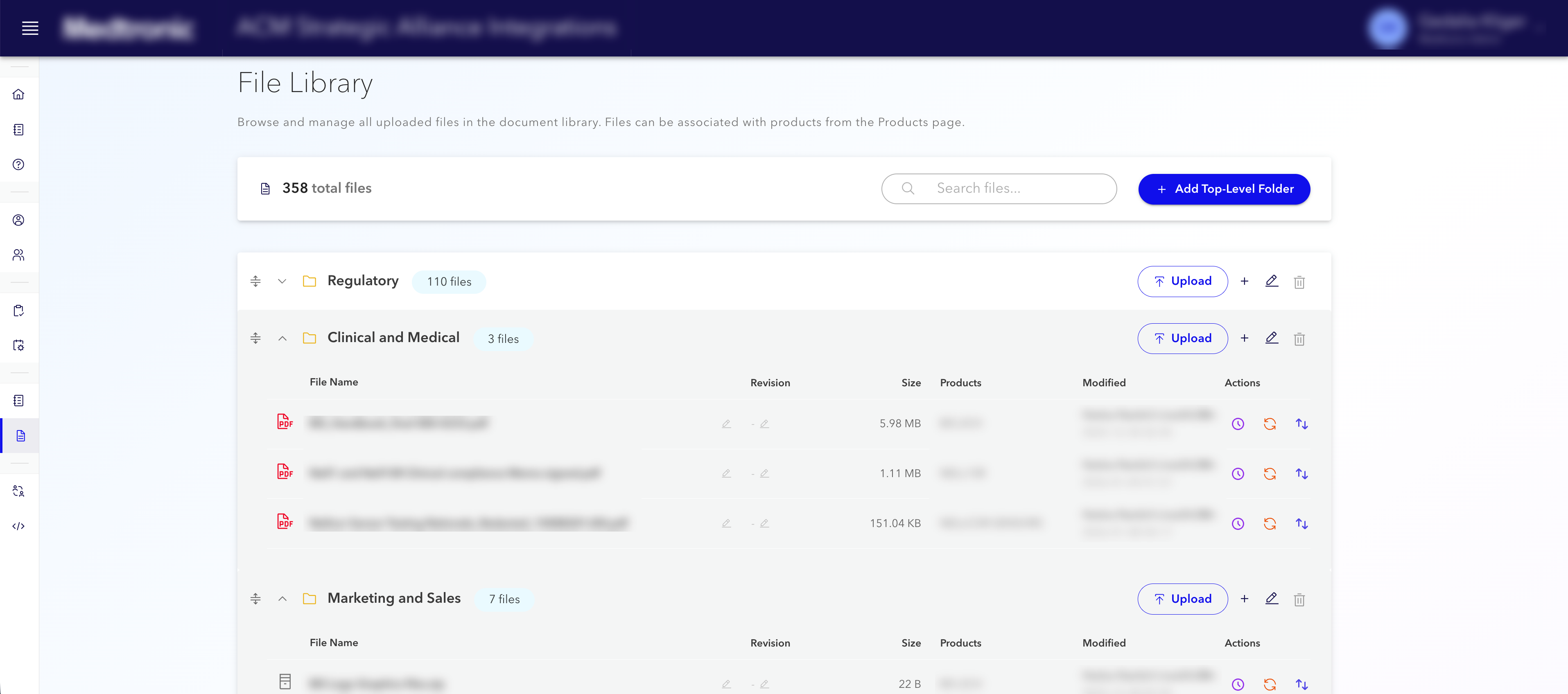
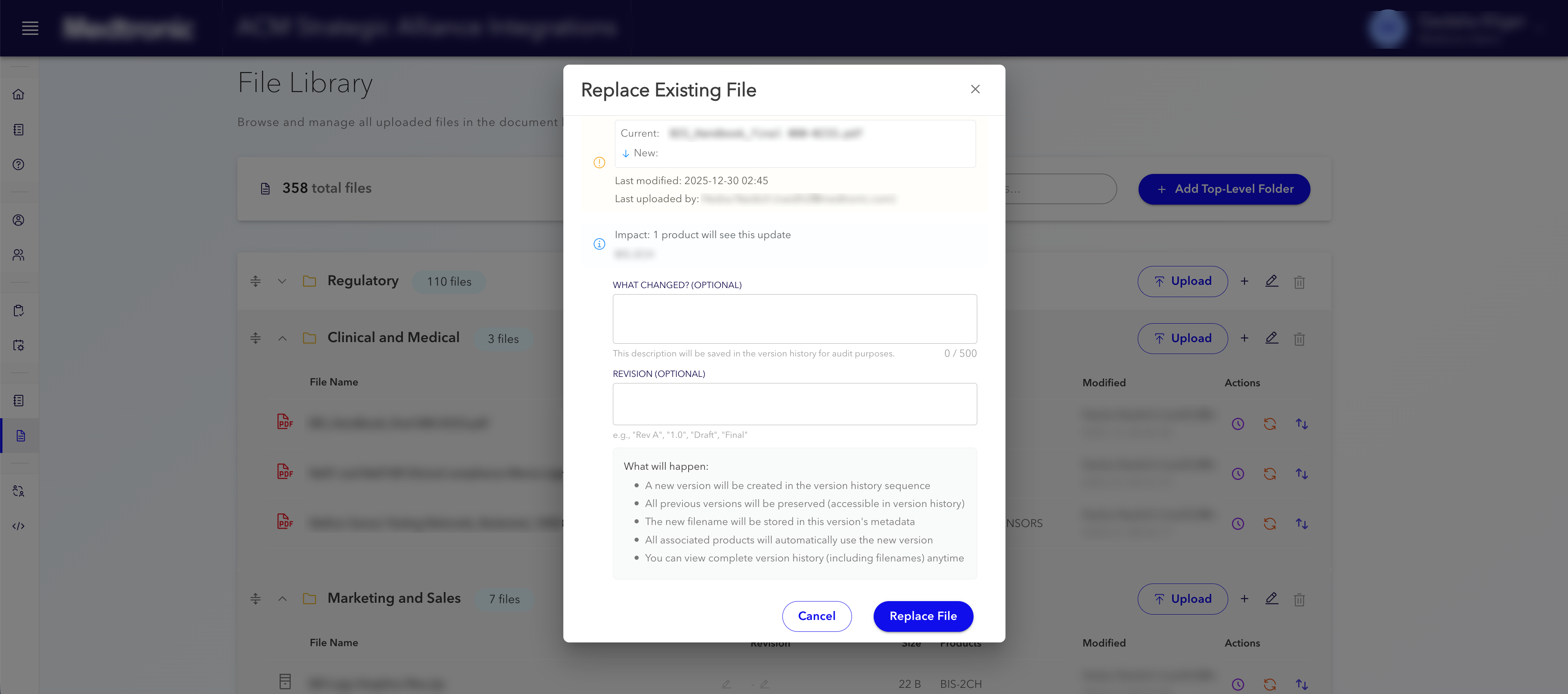
A product catalog plus a controlled document library: outside manufacturing partners browse products, open the files they need for regulatory work, engineering and support, and download them from one secure place. When something is missing, they submit a tracked request with a named owner and a visible history, more like a service desk than a lost email. Staff manage catalogs, files and who may see what in one system, not across inboxes and informal folders.

How we solved it

The problem: Questions and file hand-offs lived in long email threads and informal shared folders. It was hard to see who asked for what, which document version was official, and who was allowed to open it. Almost every permission change meant a separate IT ticket.

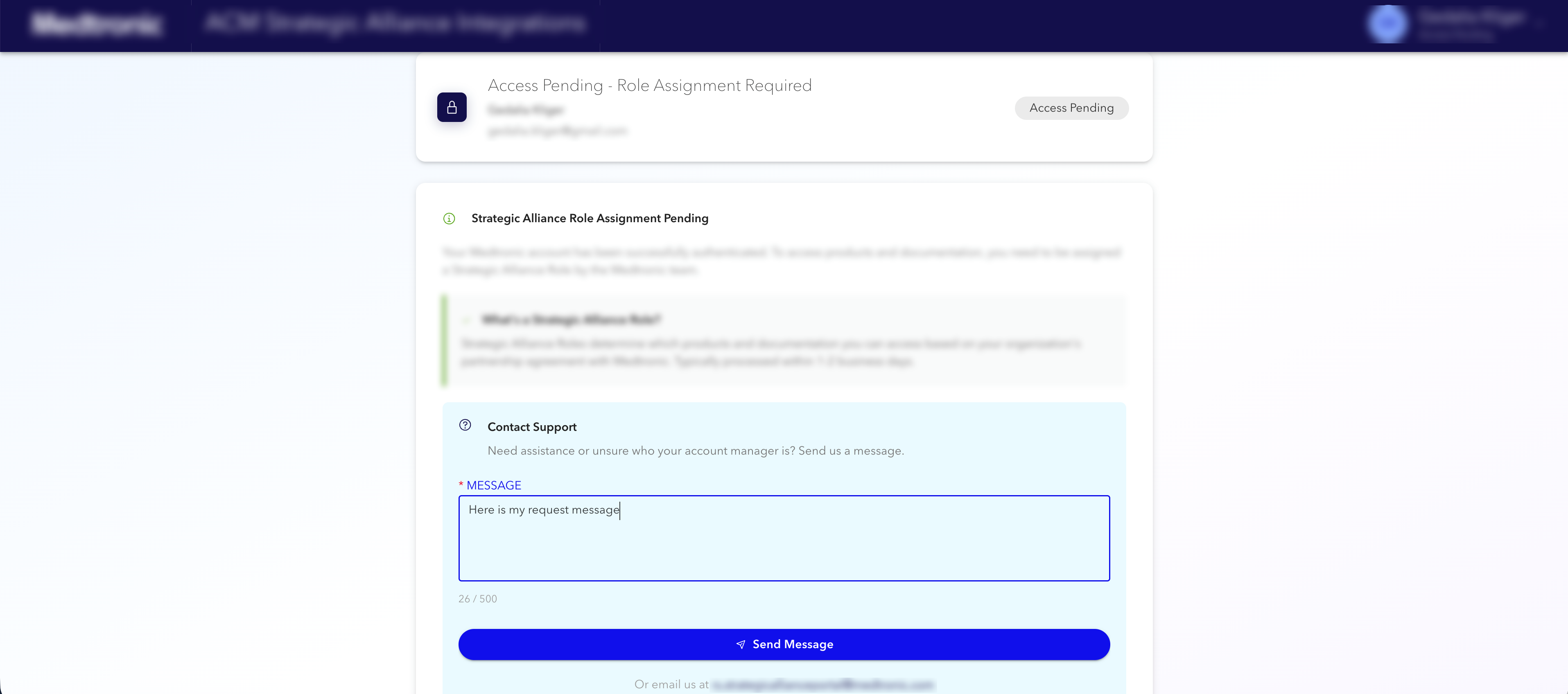
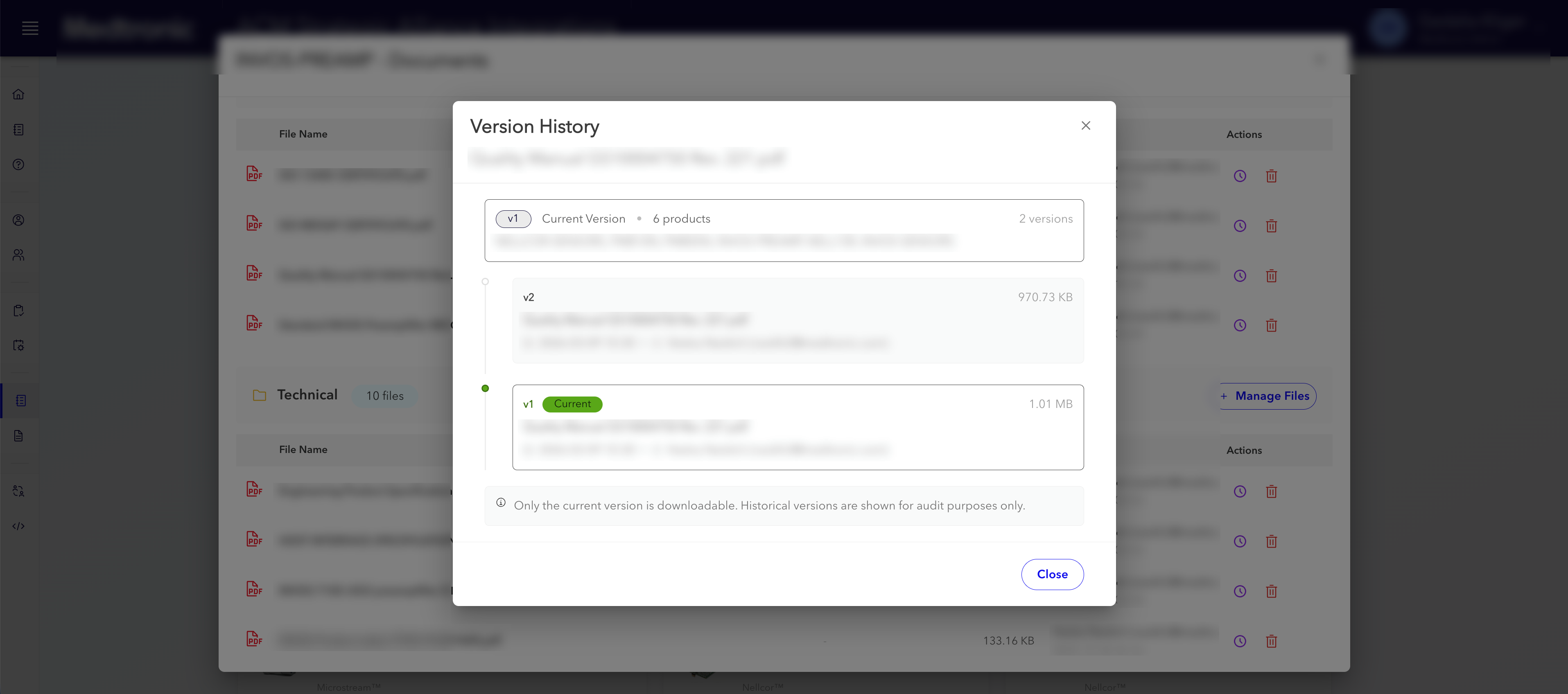
What we built: A single web application with two sign-in doors: internal staff sign in with Microsoft Azure AD; users at partner organizations sign in with Okta. Inside: a browsable catalog of products and technologies, each linked to its documents; a central file library in the cloud with version history and simple uploads; and a request queue sorted by topic, where every item has a responsible person and optional observers so the conversation stays in one place. Access follows role rules down to individual files. Administrators manage people, catalog content and handovers from one place. Implementation: Next.js, PostgreSQL, AWS (including Kubernetes for the live system), with automated build and release through GitLab.

Built with Next.js · React · TypeScript · PostgreSQL · AWS S3 / EKS · Docker · Prisma ORM · NextAuth.js

HR · Staff benefits

Fair ticket draw for company-sponsored events

Before
Ticket requests in an inbox, names in a spreadsheet, winners picked by hand.
After
Online requests and a fair draw that remembers past winners.

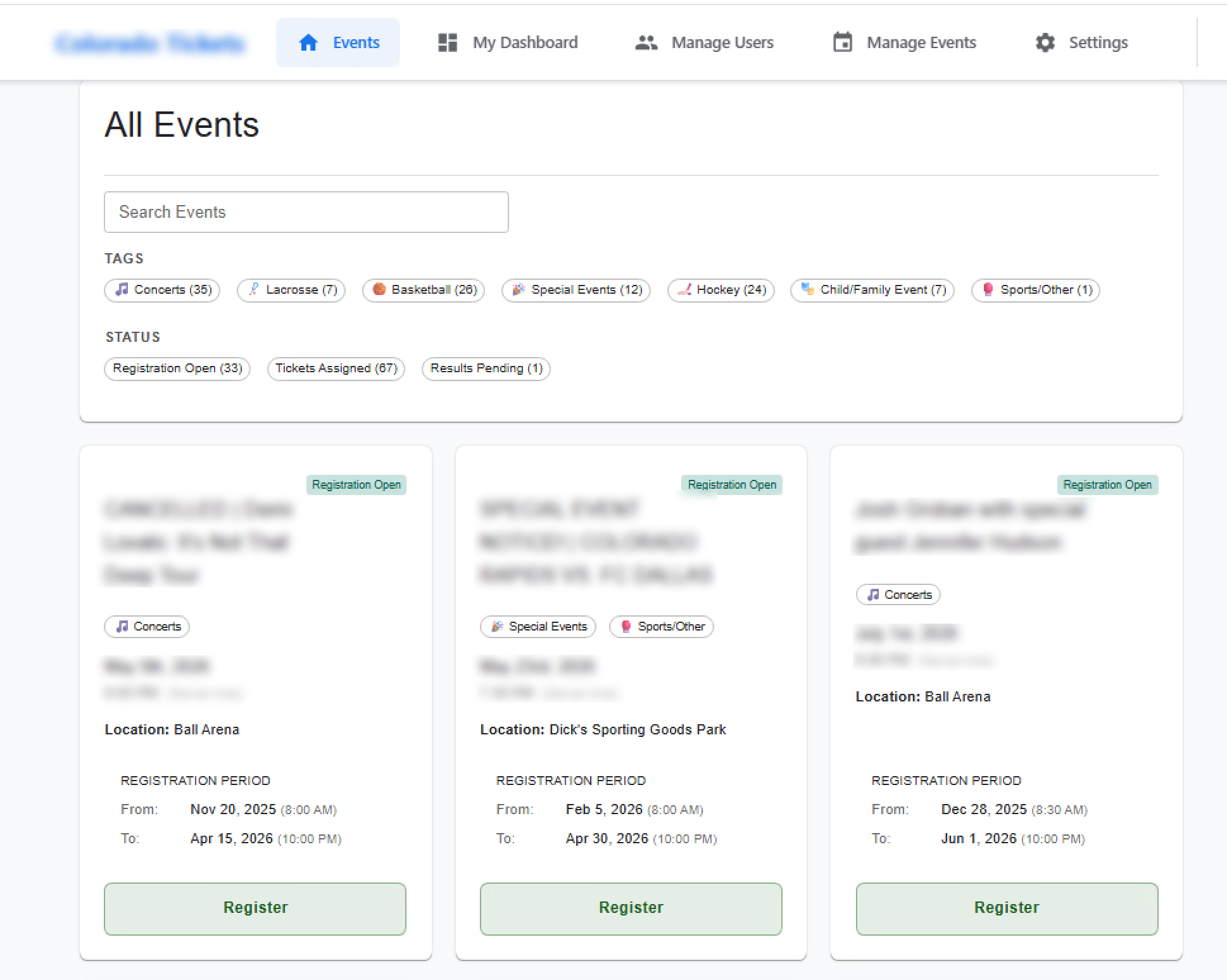
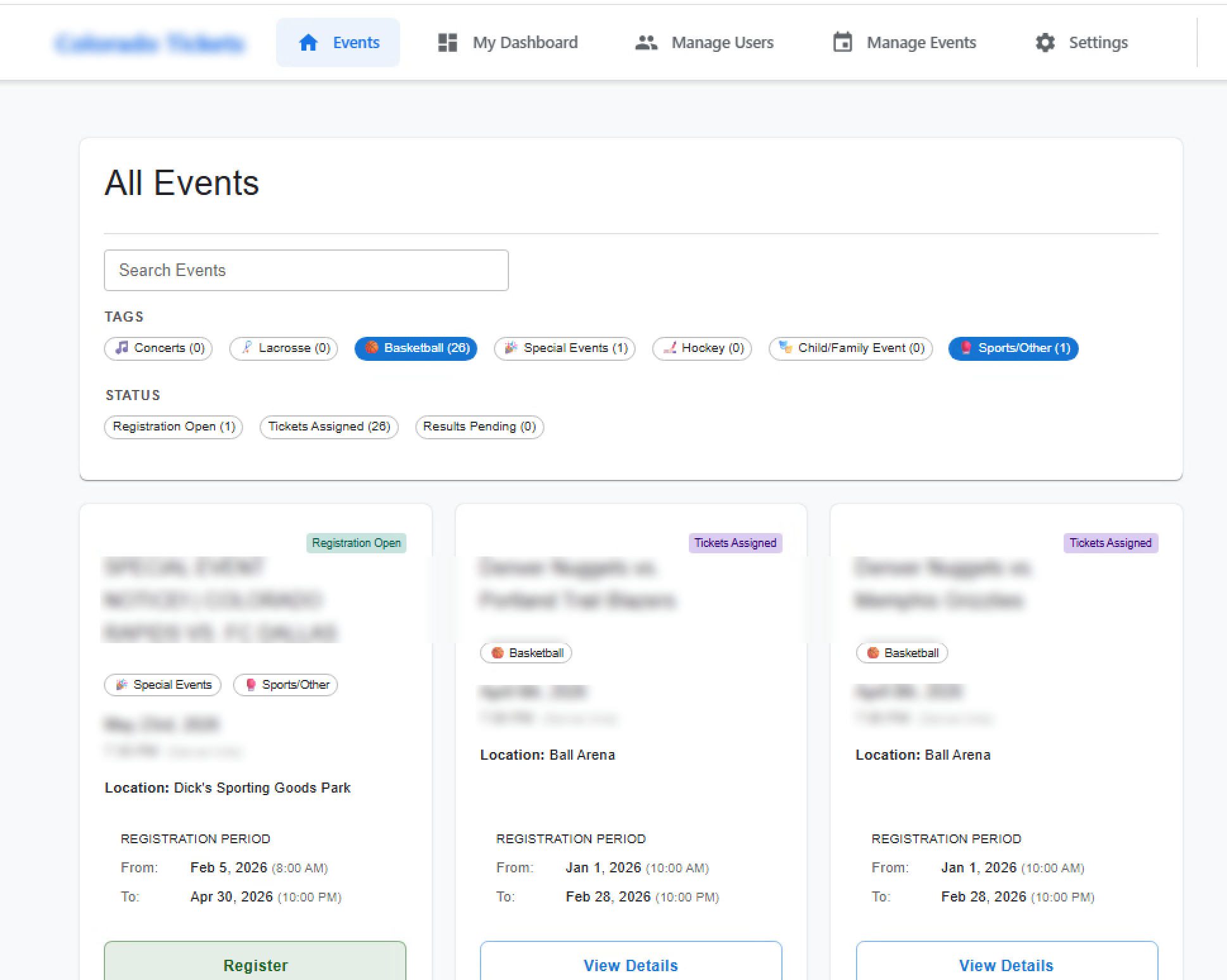
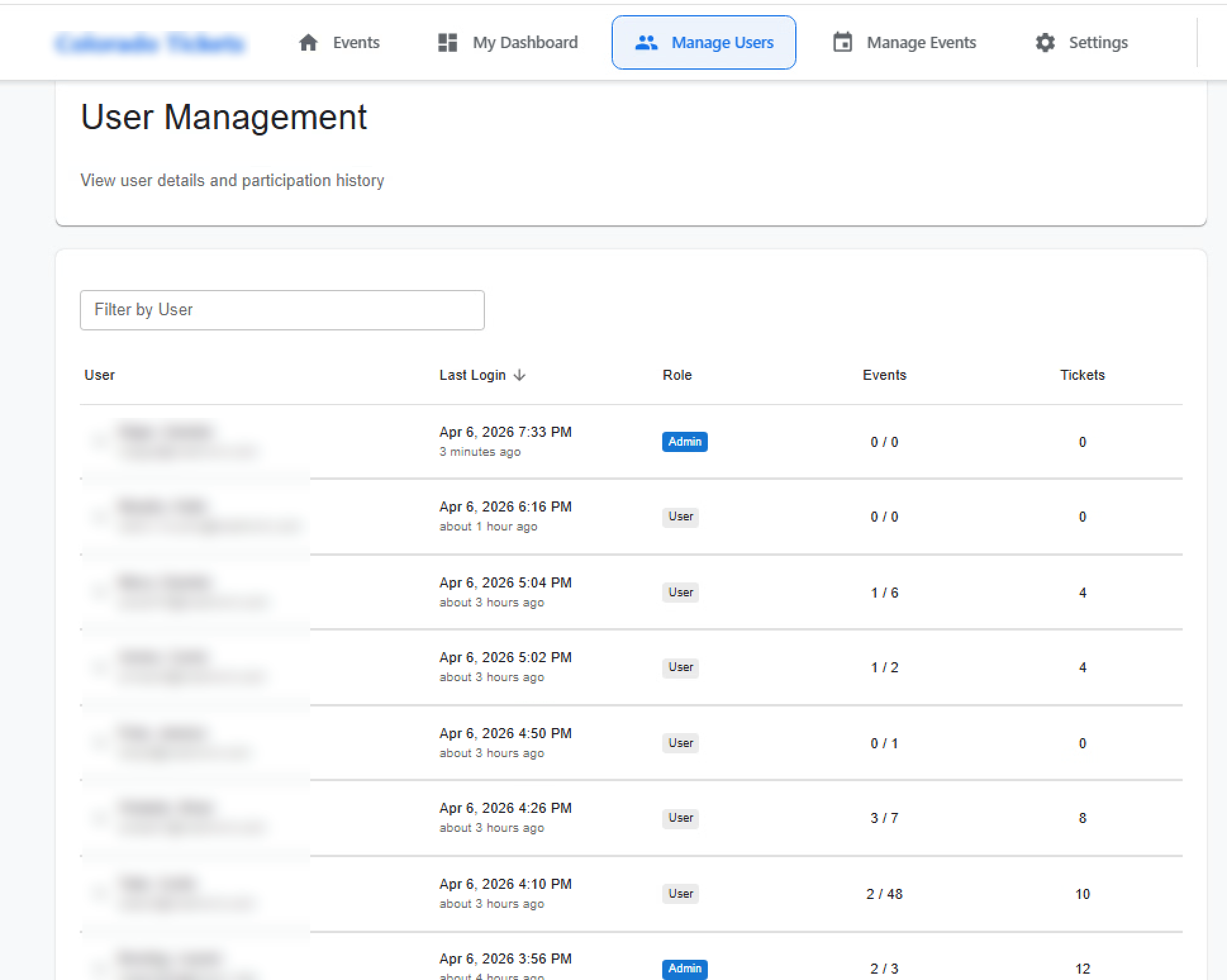
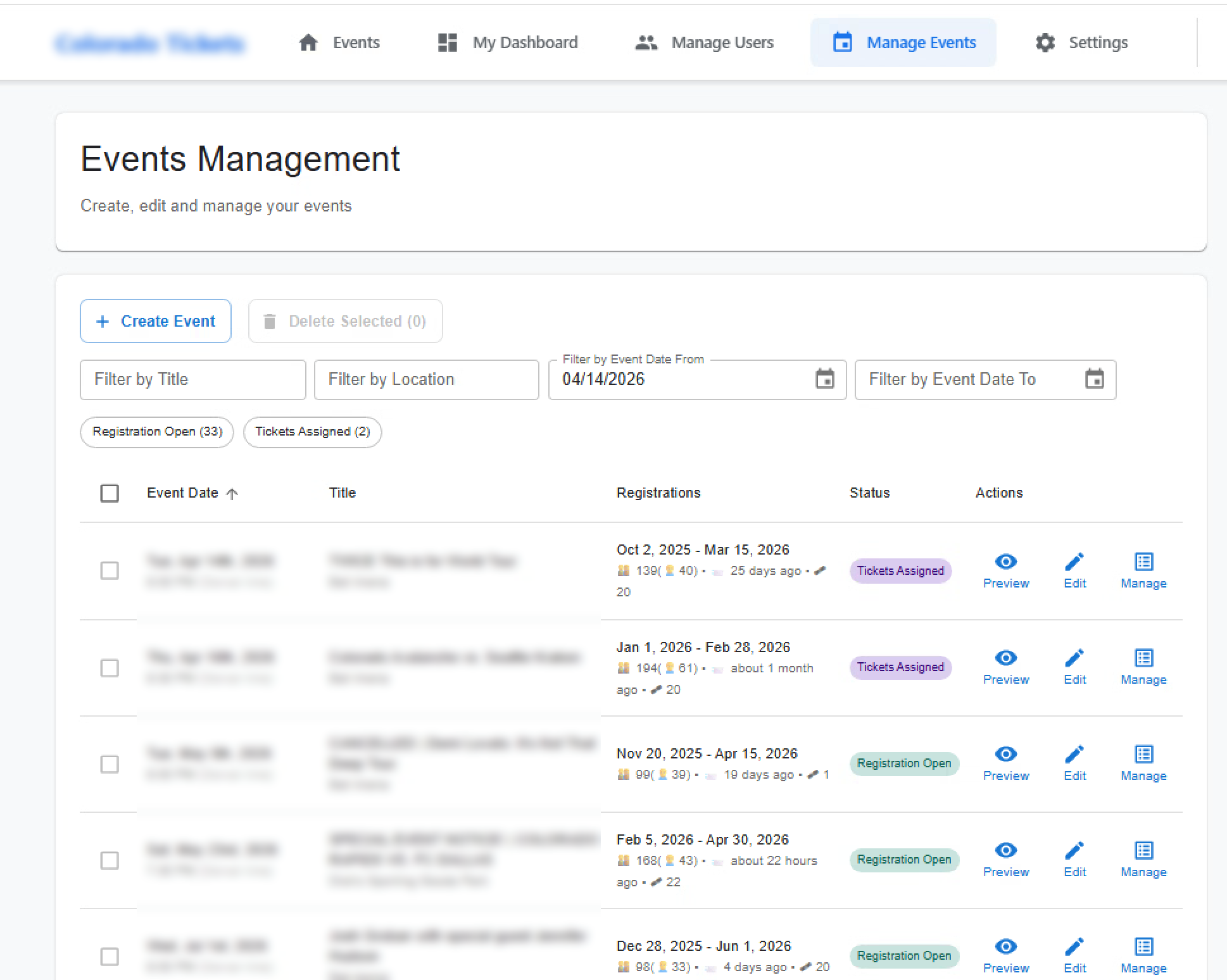
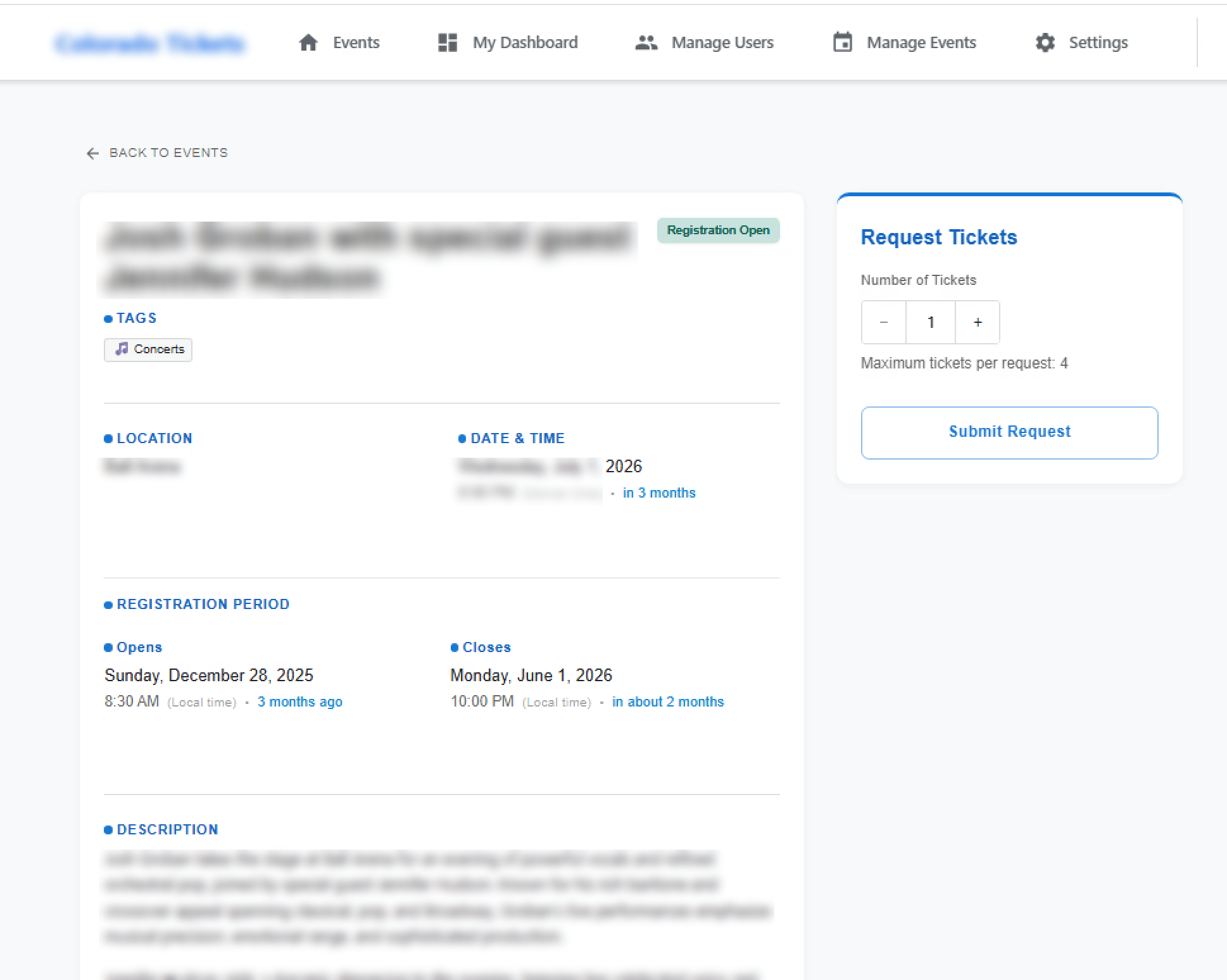
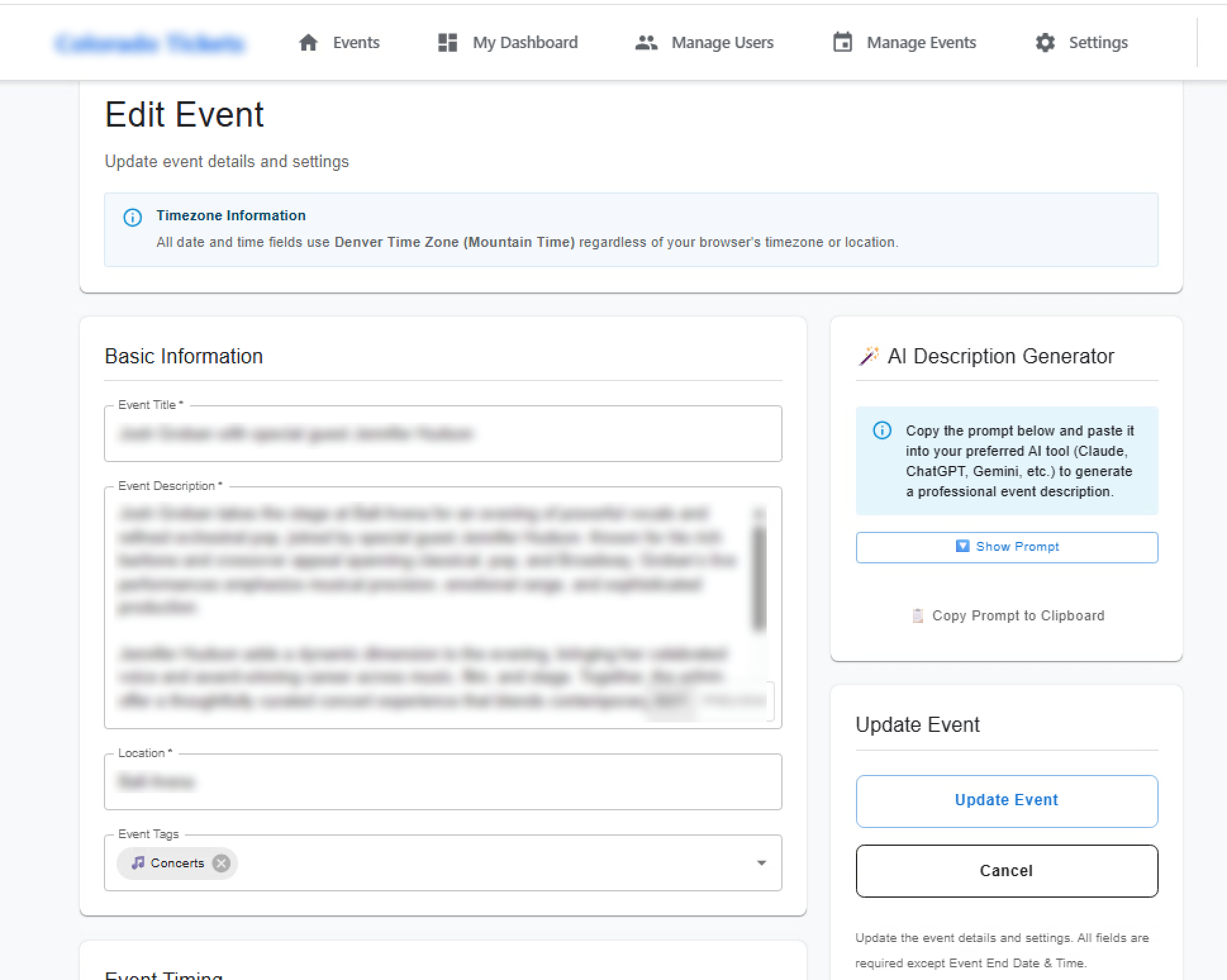
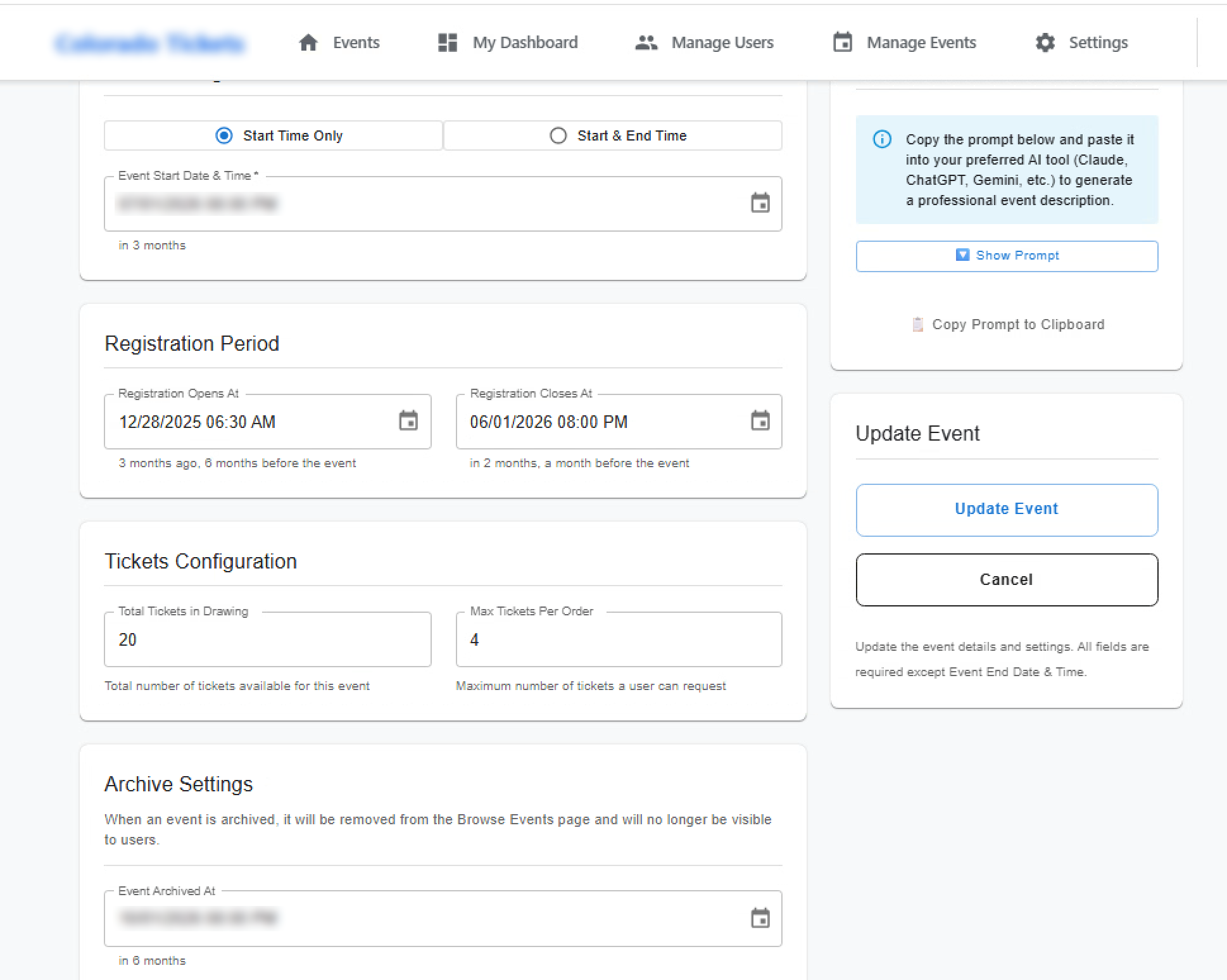
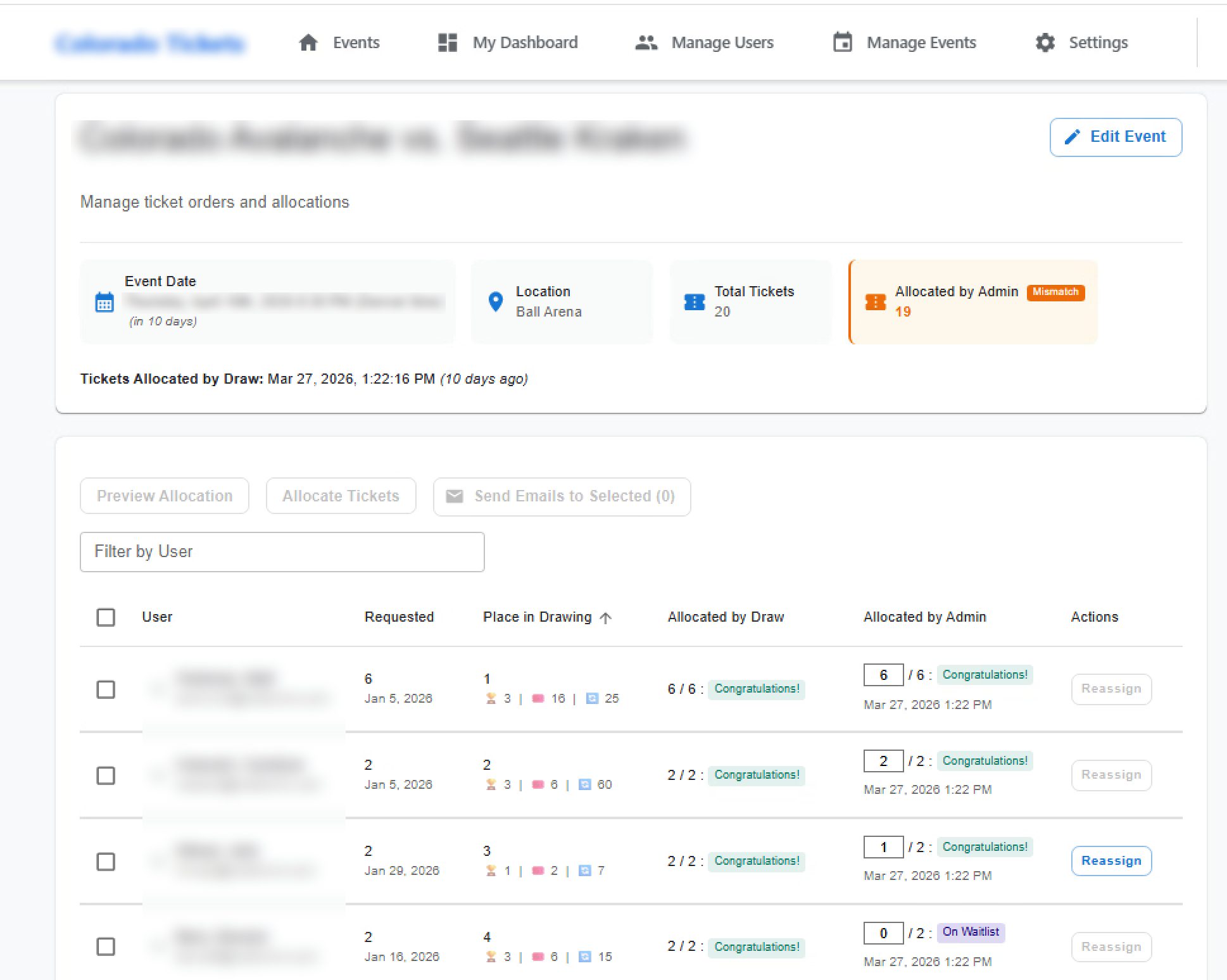
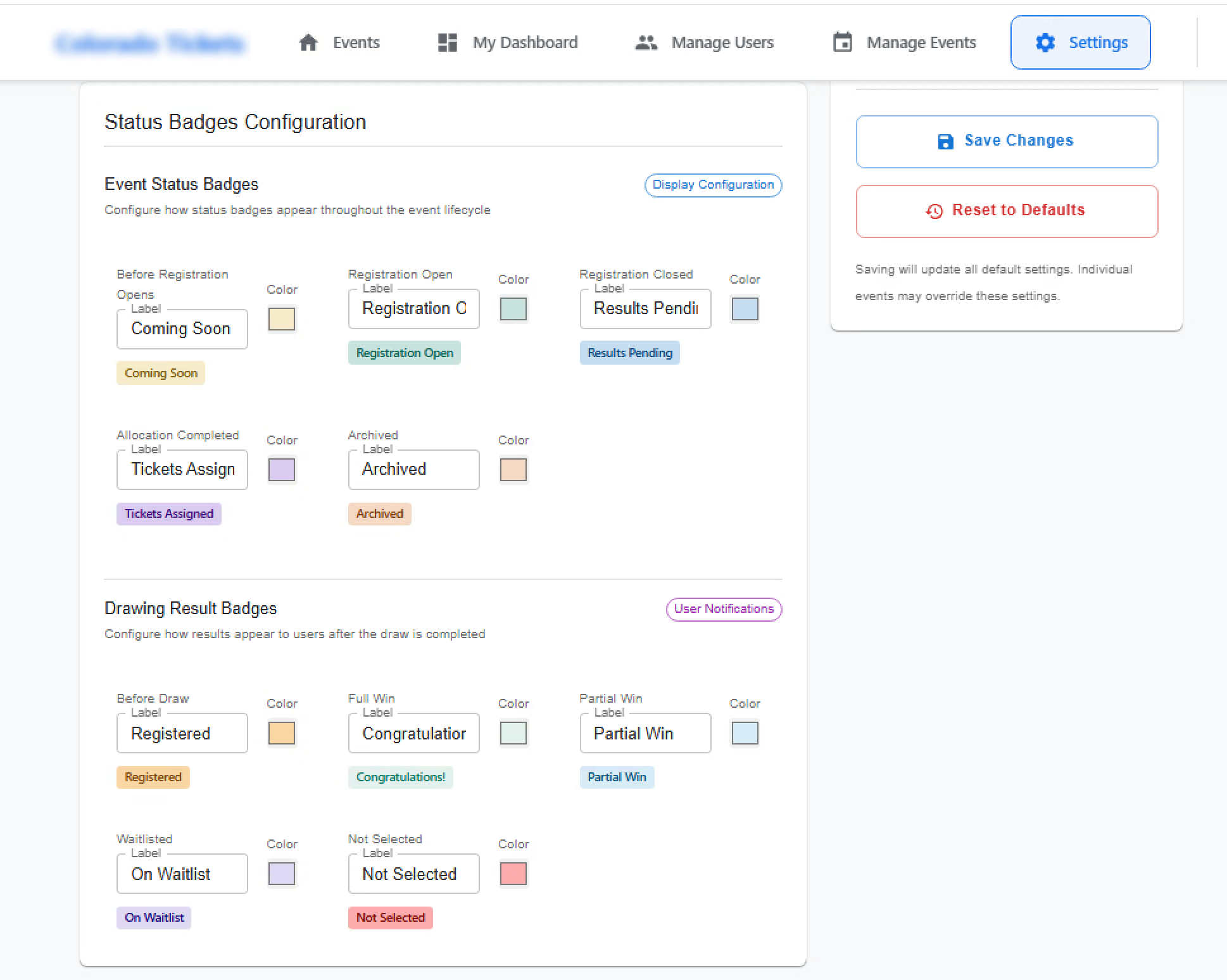
A staff perk: the employer holds a limited pool of seats at major live events (sports, concerts, shows). Employees use an internal calendar to see what’s on offer, apply within fixed limits, and join a fair internal draw when demand exceeds supply. Every round stays on record, so rules and outcomes are easy to explain. The system doesn’t sell tickets to the public or take payment; it simply runs the company’s perk policy in an orderly, auditable way.

How we solved it

The problem: HR ran this employee perk as a manual lottery: messages in the inbox, names in spreadsheets, winners picked by hand. The team lost time, staff couldn’t see the rules clearly, and fairness was often questioned.

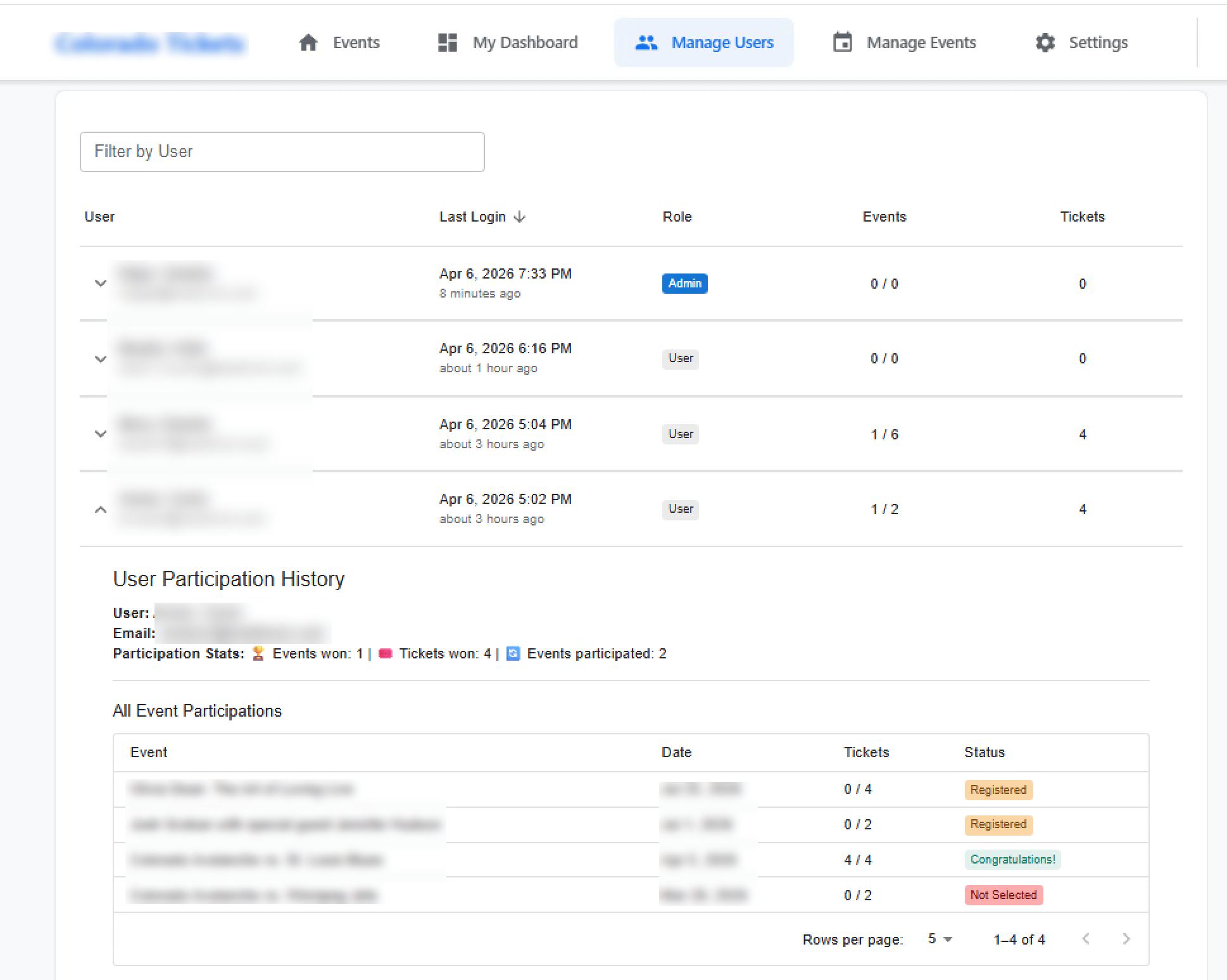
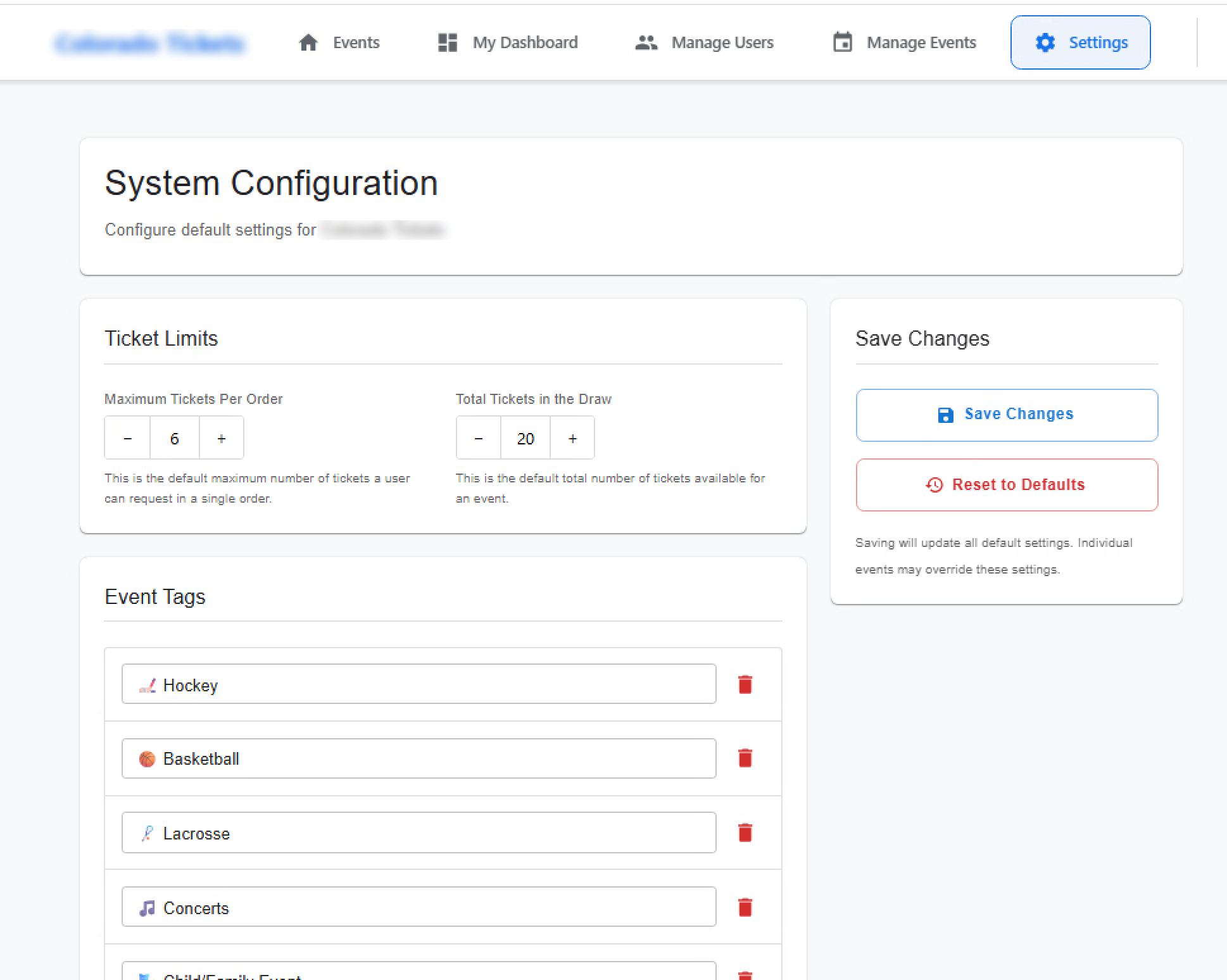
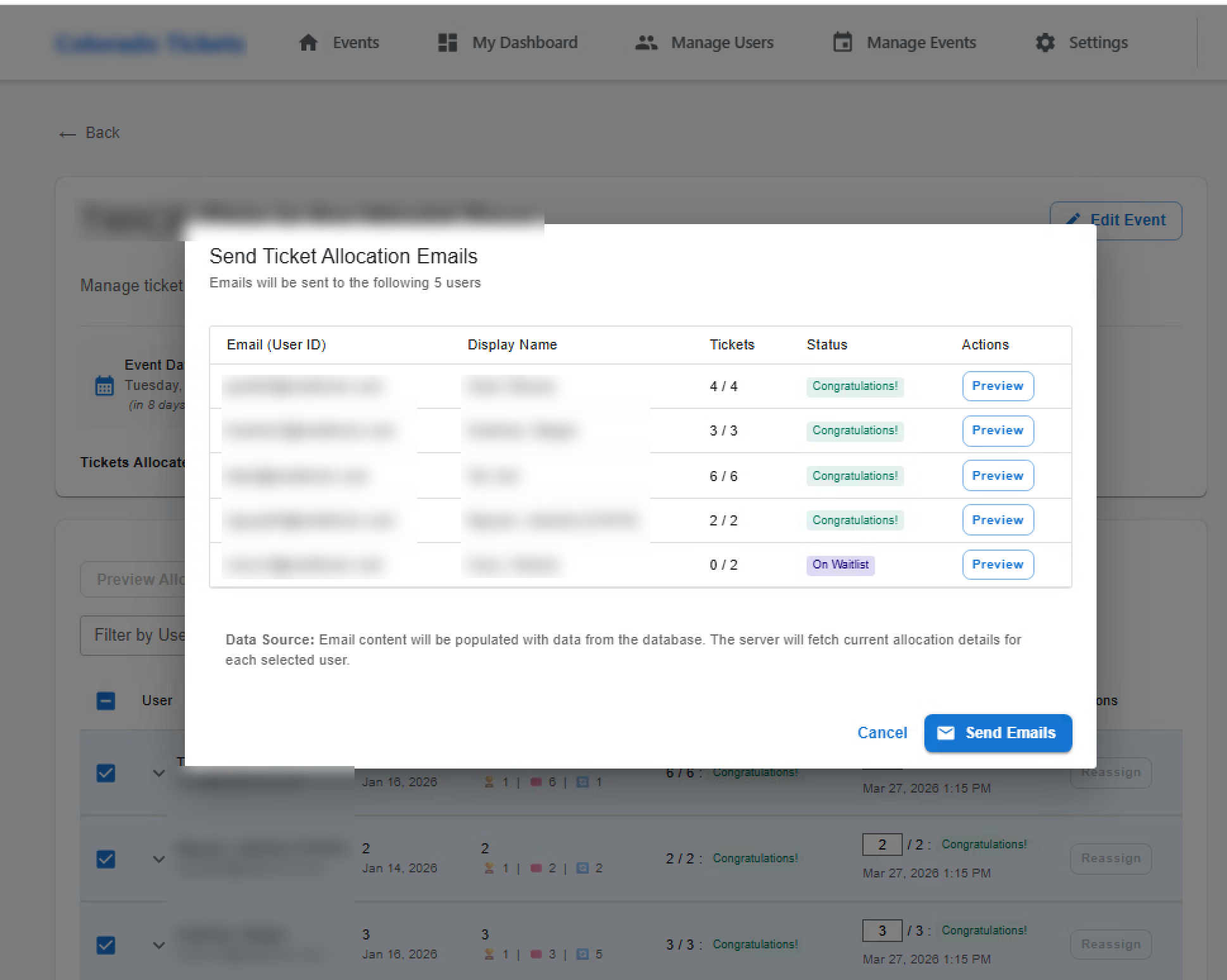
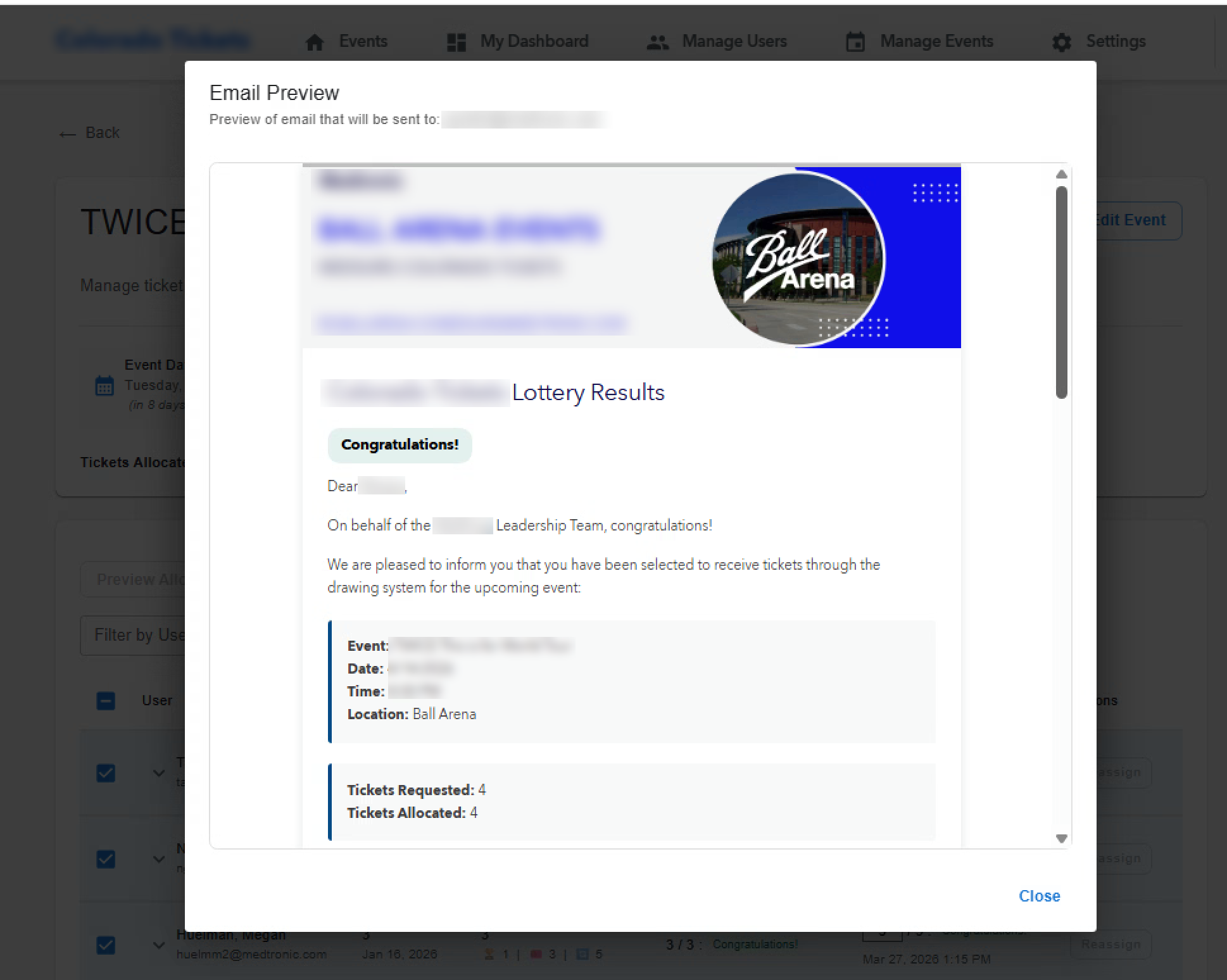
What we built: A self-service site with company sign-in (Microsoft Azure AD). Staff open a list of company-offered events, say how many seats they want within each event’s cap, and get results by email when a draw closes. Administrators publish offerings, set seat pools and registration windows, run draws that remember past wins so the same people don’t always win or always lose, check outcomes before they go out, and keep waitlists in order. Every round is logged for later review. Routine labels and limits can be changed in settings, without releasing a new version of the software. Runs in containers (Docker) with an automated GitLab pipeline.

Built with React · Vite · Express · PostgreSQL · Azure AD SSO · Docker · Nodemailer · Prisma ORM

Health-tech startup · 6 languages

SymbolStory: personal picture stories for children

Try SymbolStory →
Before
Personal picture stories for each child were slow to make by hand.
After
The platform drafts the story and pictures, ready to print.

A picture-story builder for therapists and parents in many countries: you describe the child and the situation, and the platform produces personalized pages, text and images, with the same character from page to page. The interface runs in six languages, and stories export to PDF or document formats for printing and sharing. AI helps draft the text and pictures, so teams work faster.

How we solved it

What it is: SymbolStory helps therapists, parents and caregivers build short visual stories (pictures and simple text, page by page) that prepare children, including many on the autism spectrum, for real moments: routines, transitions, feelings and difficult situations. Think of a calm, personalized picture book used as a teaching aid.

How it works: The adult fills in a child profile (age, support level, interests, and the look of the on-page character) and chooses a goal from six areas, for example social skills, daily life, emotions or sensory sensitivity. The system drafts a multi-page story; a second step then creates matching illustrations, keeping the same child-like figure on each page. A cloud message queue passes work between parts of the system so pages finish reliably. Text and images use managed language and image services, with a backup provider if the first is unavailable. Finished stories export to PDF or editable documents; progress can be tracked; and an optional practice plan (steps, owners, dates) can sit beside the story. Adults can also upload a photo to guide the art style.

Eugene’s role — R&D lead (volunteer, Aug 2023–present): Led a six-person product team; set up automated build and release from zero (GitHub Actions to Azure); delivered six-language support and new features in a focused three-week cycle, covering hiring, onboarding, code review, mentoring, day-to-day operations, and clear hand-offs between business stakeholders and engineers.

Built with React · Vite · TypeScript · Node.js · NestJS · MongoDB · Azure · LangChain · OpenAI / Claude · i18next

Public product · 2,500+ installs

Developer plugin: one-step prep for AI-assisted work

View the tool →
Before
A repetitive copy-and-paste routine before every AI-assisted task.
After
One step, used by thousands of developers.

A lightweight tool that gathers the right project context in one step, so teams spend less time preparing input and more time solving real problems. Real-world adoption reached 2,500+ installs.

How we solved it

The problem: When teams use AI to help write or fix software, a lot of time goes into preparing clean input: copying code, keeping line references, and adding the issue context so the request is actually useful.

What we built: A focused tool for people using JetBrains development software that packages code together with inline issue context in one step. Instead of repetitive manual prep, users move straight into problem-solving with cleaner, more complete AI input. The public release reached 2,500+ installs, clear outside proof that the problem was real and the solution useful.

Built with JetBrains plugin · AI workflow · public product

What we can add to your system

Already have something running? We add to it, connect it to your other tools, or upgrade it, without rebuilding from scratch. We default to open-source, well-proven tools, or match what you already use.

  • Payments

    Card payments, subscriptions, invoices and refunds, built securely into the app you already have.

    Stripe · Paddle · your current provider

  • Maps & location

    Interactive maps, address lookup, delivery zones and routes, to fit your budget and privacy needs.

    Google Maps · Mapbox · OpenStreetMap

  • Automatic emails

    Confirmations, alerts, approvals and daily or weekly summaries, sent without anyone lifting a finger.

    Nodemailer · SendGrid · Postmark · AWS SES

  • Text messages & push alerts

    Instant alerts by SMS or phone notification, for the moments when email isn’t fast enough.

    Twilio · carrier gateways · browser and mobile push

  • Chat & messaging

    Conversations, direct messages or support chat inside your system, or linked to the tools your team already uses.

    Socket.io · Matrix · Intercom · Slack · Teams

  • Reports & dashboards

    Charts, key-number dashboards and exportable reports built into your product, or fed into your current reporting tool.

    Recharts · Apache ECharts · Power BI · Looker · Metabase

  • Connections to other systems

    Link your system to Salesforce, HubSpot, SAP, Jira or almost anything else, with syncing that retries and doesn’t fail silently.

    REST · GraphQL · webhooks

  • One company login

    Sign in to every app with the same company account, with clear permissions, account setup and a record of who did what.

    Azure AD · Okta · Google Workspace · SAML / OIDC · RBAC

  • Practical AI features

    Document summaries, smarter search, forms that fill themselves in, sorting incoming requests, or a helpful chat assistant.

    OpenAI · open-source models (Ollama, Llama) · your preferred provider

We prefer open-source tools: they keep licence costs down and keep you in control. When a commercial service genuinely fits better, we’ll say so and explain why.

How we work

Clear steps, regular updates, and a scope you agree to upfront. You always know what’s next.

  1. Understanding

    We get clear on what you need, what’s in scope and what could go wrong, before we build anything.

  2. Design & plan

    We shape the solution to fit the real need and budget. No overbuilding, no cutting corners.

  3. Build

    We build in steps with regular check-ins, so you see working software early, not only at the end.

  4. Launch

    We take care of going live: hosting, setup, plain-language guides and handover to your team.

  5. Support

    After launch we stay reachable for fixes, improvements and new needs as you grow.

Let’s talk

Tell us what you’re trying to solve. We’ll be straight about fit and what it would take.

Start a conversation

Fixed scope, time & materials, or retainer.